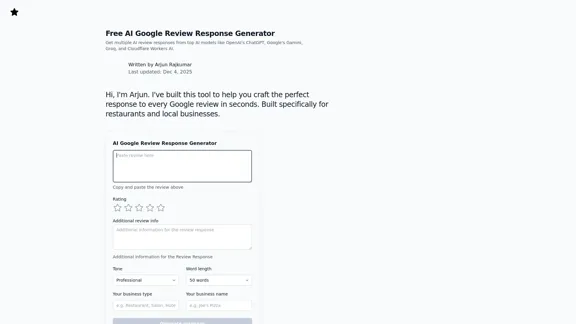
ReviewCow offers a free AI Google Review Response Generator designed to assist businesses, particularly restaurants and local shops, in crafting effective responses to Google reviews. This tool leverages advanced AI models to generate personalized replies quickly, enhancing customer engagement and improving local SEO.
ReviewCow - Free AI Tool for Generating Responses to Google Reviews
Crafting professional responses to Google reviews has never been easier. With our free AI tool designed specifically for restaurants and local businesses, you can personalize your replies in just seconds. Save time and enhance your reputation effortlessly.
Business
Dec 17, 2025
Visit Website
ReviewCow Introduction
ReviewCow Features
-
AI-Powered Responses
Utilize top AI models like OpenAI's ChatGPT and Google's Gamini to generate tailored responses to Google reviews, ensuring each reply is contextually relevant and engaging.
-
Customizable Tone and Length
Choose from various tones (professional, apologetic, funny) and set word lengths (50 or 100 words) to match your brand's voice and the nature of the review.
-
Efficient Process
The tool streamlines the response process into three simple steps: paste the review, add business details, and generate a reply, allowing users to respond in under 30 seconds.
-
Targeted for Local Businesses
Specifically designed for industries like restaurants, retail, and hospitality, the tool understands the nuances of customer interactions in these sectors.
-
Response Strategies for Different Ratings
The generator provides tailored strategies for responding to 5-star, 3-4 star, and 1-2 star reviews, helping businesses celebrate positive feedback, address mixed reviews, and resolve complaints effectively.
-
No Cost Involved
Completely free to use, with no sign-up or credit card required, making it accessible for all local businesses.
ReviewCow How to Use?
-
Respond Quickly
Aim to reply to reviews within 24 hours for maximum visibility and engagement.
-
Use the Reviewer's Name
Personalize responses by including the reviewer's name when available.
-
Be Specific
Reference specific details from the review to demonstrate attentiveness and appreciation.
-
Keep It Concise
Aim for responses that are two to four sentences long to maintain engagement without overwhelming the reader.
-
Take Problems Offline
For negative reviews, acknowledge the issue publicly but invite the reviewer to resolve it privately.
-
Avoid Arguments
Maintain professionalism and avoid defensiveness, even in the face of unfair reviews.
ReviewCow Q&A
How do I respond to Google reviews?
Log into your Google Business Profile, navigate to "Reviews," find the review, and click "Reply" to submit your response.
Why should I respond to every Google review?
Responding improves local SEO, builds trust with potential customers, and shows existing customers that their feedback is valued.
How do I respond to a negative Google review?
Acknowledge the customer's experience, apologize sincerely, and offer a concrete next step for resolution.
How do I respond to a positive Google review?
Thank the reviewer specifically, reference their comments, and invite them to return.
Can I use AI to respond to Google reviews?
Yes, AI tools can generate professional responses quickly, but it's important to personalize the final output.
Is it against Google's guidelines to use AI for review responses?
No, using AI to assist in crafting responses is allowed as long as the responses are genuine and not misleading.
Is this tool really free?
Yes, ReviewCow is completely free with no limits on response generation.
What makes this different from ChatGPT?
ReviewCow is specifically designed for Google review responses, eliminating the need for prompt crafting and ensuring contextually appropriate replies.
ReviewCow Price
Price data is not available yet, please go to the official website to check.
* Prices are for reference only. Please refer to the official latest data for actual prices.
ReviewCow Evaluation
-
ReviewCow effectively simplifies the process of responding to Google reviews, making it accessible for businesses with limited time.
-
The tool's ability to generate contextually relevant responses is a significant advantage, particularly for local businesses that rely on customer engagement.
-
However, while the AI-generated responses are helpful, they may lack the personal touch that comes from a human response, which can be crucial in building customer relationships.
-
Additionally, businesses should still invest time in reviewing and personalizing the AI-generated content to ensure authenticity and connection with their customers.
-
Overall, ReviewCow is a valuable tool for enhancing customer interaction and improving local SEO, but it should be used as a complement to genuine human engagement rather than a complete replacement.
Related Websites

Check Details
Atono - Designed for product teams to collaborate and improve together.
Atono - Designed for product teams to collaborate and improve together.With Atono, you can easily plan, build, run, and improve your product all in one convenient platform.
--
Check Details
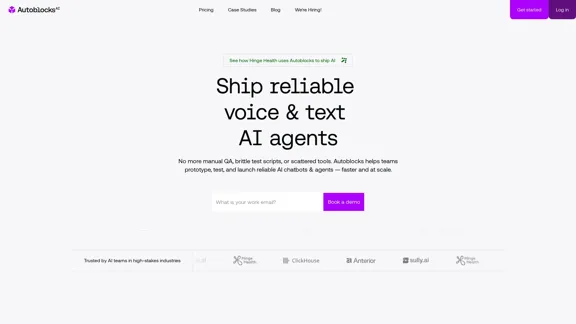
Autoblocks AI empowers teams to effortlessly build, test, and deploy trustworthy AI applications. With our tools, you can enjoy seamless collaboration, precise evaluations, and efficient workflows. Deliver your AI solutions with confidence while ensuring they meet the highest quality standards.
15.61 K
Check Details
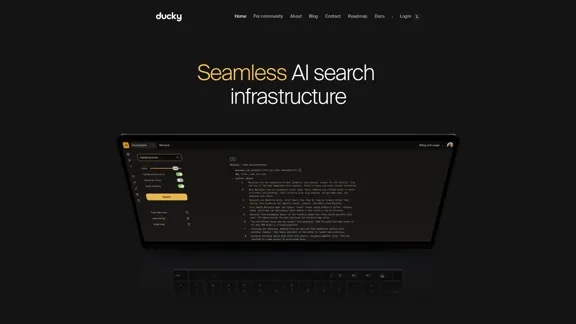
Ducky | Fully Managed AI Search Infrastructure with RAG Support
Ducky | Fully Managed AI Search Infrastructure with RAG SupportBuild smarter, faster search with Ducky. Fully managed AI retrieval and RAG infrastructure designed for developers who demand blazing-fast, accurate results.
5.16 K
Check Details
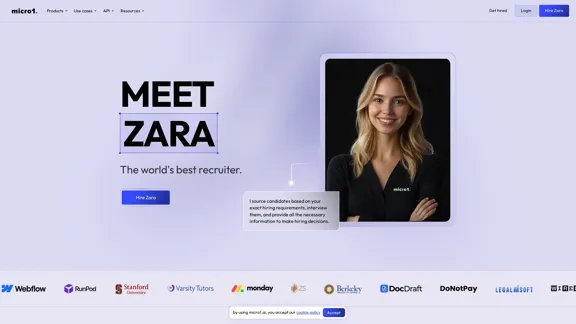
I find candidates that perfectly match your hiring needs, conduct interviews, and provide all the essential data points to help you make informed hiring decisions.
756.63 K
Check Details
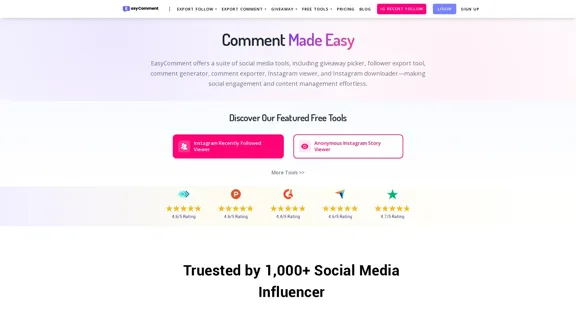
Easily launch free giveaway campaigns across social media platforms such as Instagram, Facebook, Twitter, and YouTube. Effortlessly select a winner from comments, likes, and retweets on your posts and videos.
--

Check Details
Say goodbye to expensive surveys and questionnaires. With OpinioAI, you can effortlessly generate all the synthetic data you need for your research, powered by advanced AI technology.
--
Check Details
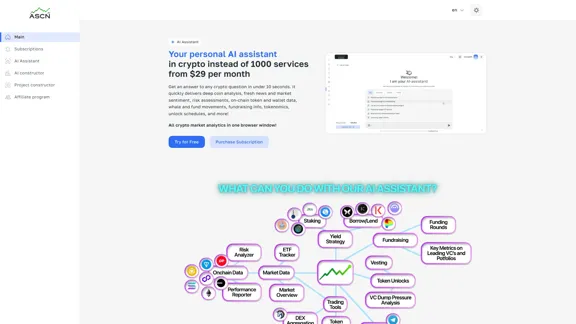
Your personal AI assistant in crypto instead of 1000 services for $29 per month.
Your personal AI assistant in crypto instead of 1000 services for $29 per month.Your personal AI assistant in crypto instead of 1000 services from $29 per month.
4.62 K
Check Details
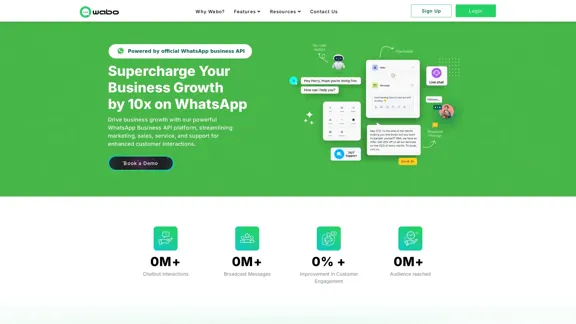
WhatsApp Business API - Bot and Customer Interaction Platform
WhatsApp Business API - Bot and Customer Interaction PlatformElevate your business with Wabo, the top-notch WhatsApp chatbot designed to streamline your customer interactions. Enhance engagement, respond swiftly, and watch your growth soar. Discover Wabo today!
2.80 K